Devices & sensors
Collect the signals relevant to the task.

200 innovative way , Nashua , Nh 03062
+19785775180
India no :+91 80-76479782
info@kaalidigital.com
support@kaalidigital.com
Internet of Things solutions
Bring devices, data and everyday operations into a clearer view. Kaali Digital’s IoT solutions help you monitor connected equipment, understand changing conditions and give your team useful information when it matters.
Device integration · Monitoring · Cloud connectivity · Analytics
01 / Visibility beyond the screen
A change in temperature. An unexpected stop. Energy use that stays high after a shift ends. These signals are easy to miss when checks happen manually or information sits in separate systems.
An Internet of Things project connects relevant devices and turns their readings into something your team can use. The starting point is simple: decide what you need to know, who needs to know it and what they should do next.
02 / IoT development services
Build the connections around your equipment, working environment and operational priorities.
01 / CONNECT
Connect relevant sensors, devices and gateways so useful readings can reach your application. Start by reviewing existing hardware, supported interfaces and the conditions where it operates.
Equipment signals · Device compatibility
02 / OBSERVE
Create a view of the readings your team needs to follow. Show timestamps and device status alongside measurements so people can distinguish a current reading from missing or delayed data.
Operational visibility · Clear context
03 / RESPOND
Define what needs attention and where the notification should go. Agree thresholds, escalation routes and human review points so alerts lead to a practical response.
Thresholds · Notifications · Follow-up
04 / INTEGRATE
Bring device data into a connected platform and discuss how it should work with your business applications. Plan access, storage and retention around the use case.
Connected systems · Data availability
05 / UNDERSTAND
Explore operating patterns, unusual readings and changes over time. Compare devices or locations with the right context before deciding whether a difference needs action.
Trends · Exceptions · Operational insights
06 / MAINTAIN
Use relevant operating signals to support maintenance planning. Where suitable historical data exists, explore predictive approaches and evaluate their usefulness before relying on them.
Condition monitoring · Maintenance planning
03 / How it connects
The useful part of IoT is what happens after a reading arrives. Your team needs to understand what it means, whether it is current and how to respond.
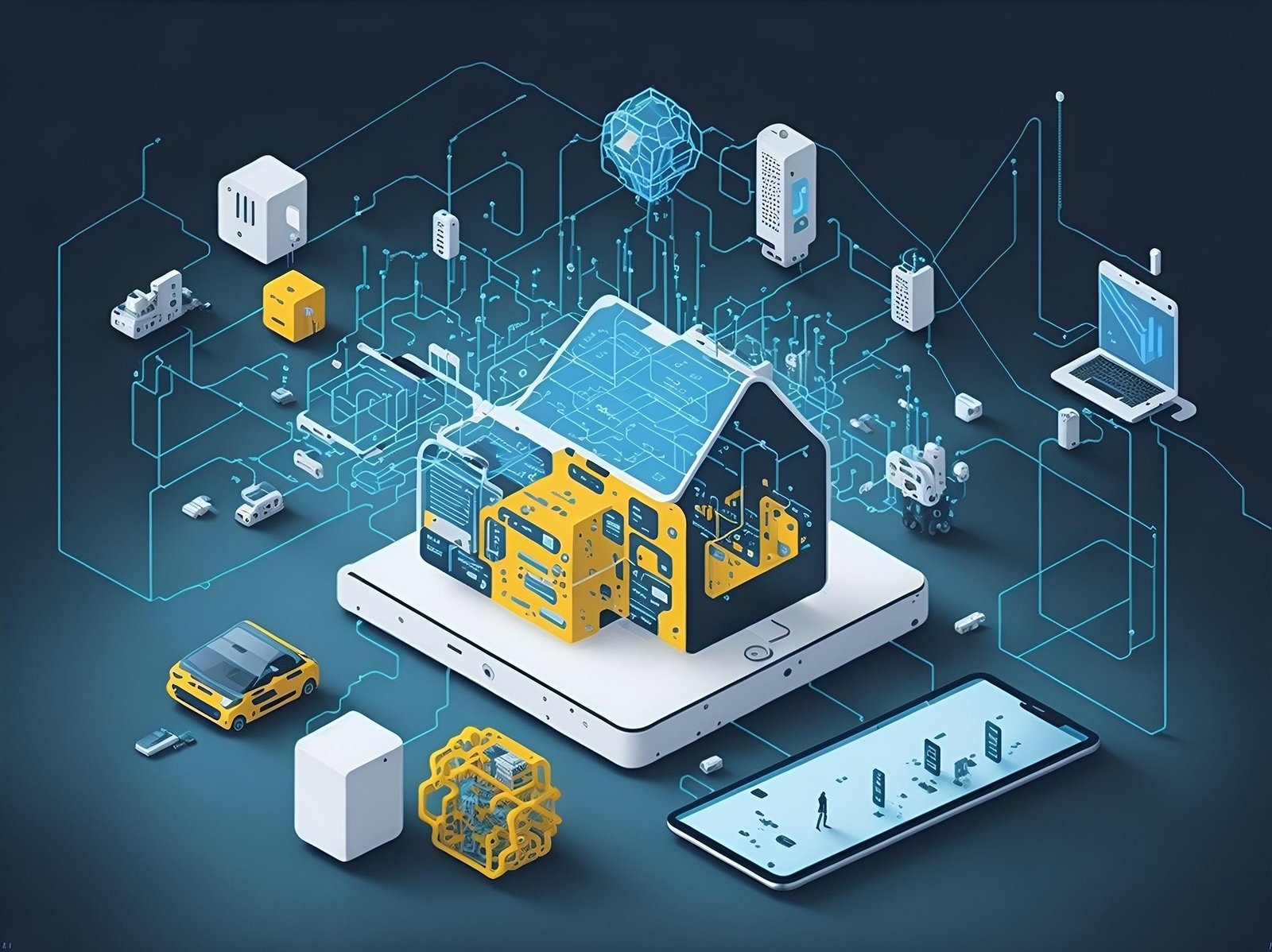
A project can involve devices, connectivity, a data platform and a user-facing application. Each part needs to fit the environment and the people using it.
Collect the signals relevant to the task.
Move readings through a suitable network or gateway.
Receive, store and process the information.
Give people visibility, context and a way to respond.
04 / Practical possibilities
These examples illustrate possible applications. The right setup depends on your equipment, site conditions and project requirements.
EQUIPMENT
Track relevant signals from connected equipment and investigate changes before deciding what maintenance or inspection is needed.
Start with one asset group and an agreed response process.
ENVIRONMENT
Monitor temperature, humidity or other available readings across selected locations. Use clear thresholds and timestamps to support checks by your team.
Plan sensor placement, calibration and how alerts are reviewed.
ENERGY
Explore usage patterns across time periods or areas. Compare readings with operating schedules to identify questions worth investigating.
Define a baseline before judging whether a change is an improvement.
05 / Plan for the real world
Networks can drop. Devices can stop reporting. A reading can arrive late. Planning for those situations helps a monitoring system remain understandable when conditions are less than ideal.
Questions to settle early
Who can access the platform? How are devices identified? What happens when data is missing? Who owns updates and ongoing support?
For the wider picture, explore Kaali Digital’s data science services and AI and machine learning solutions alongside your IoT requirements.
06 / From idea to rollout
Use a manageable first deployment to test the connections, data quality and day-to-day usefulness of the solution.
01 / DISCOVER
Agree what to monitor, where it operates and who will use the information. Review existing equipment and practical site constraints.
02 / DESIGN
Map the devices, connectivity, data flow and application requirements. Define access needs and how exceptions should be handled.
03 / PILOT
Connect a focused set of devices and check readings, alerts and user workflows. Include interrupted connectivity and missing data in the review.
04 / REFINE
Use the pilot findings to refine the setup. Agree rollout priorities, ownership, monitoring and ongoing support before adding more devices.
07 / Your questions, answered
Start with the equipment or process you want to understand better. The technical details can follow.
The Internet of Things, or IoT, connects physical devices so they can collect and exchange information. In a business setting, that could mean equipment sending operating readings to a monitoring application or sensors helping a team follow conditions across a site.
That depends on the equipment, its available interfaces and the readings you need. Some devices already provide useful connectivity; others may require additional sensors or a gateway. A compatibility review is the right first step before committing to an approach.
Not necessarily. Begin by reviewing what you already have and what information it can provide. A focused pilot can help establish whether existing devices are suitable and where additional hardware may be needed.
The update frequency depends on the device, power requirements, network and application. Some use cases need frequent readings; others work well with periodic updates. Agree the required refresh rate and acceptable delay during planning, and show timestamps clearly in the monitoring view.
The behaviour should be designed for your use case. Depending on the hardware and platform, options may include local buffering, reconnect attempts and notifications when a device stops reporting. The system should distinguish missing information from a normal reading.
Cost depends on the number and type of devices, connectivity, hardware needs, integrations and application scope. Ongoing network, platform and maintenance costs also need consideration. Share your use case and existing setup so a practical pilot can be scoped.
Relevant sensor readings and sufficient historical context may help identify patterns associated with maintenance needs. A predictive model needs suitable data and careful evaluation; it cannot guarantee that every failure will be detected. Condition monitoring can be a useful earlier step.
Let’s connect the right things
Tell us what you want to monitor, what equipment you use and where visibility is missing. We can start with a focused conversation about your requirements.
Explore more: Data Science ↗ · AI & ML ↗ · All Services ↗